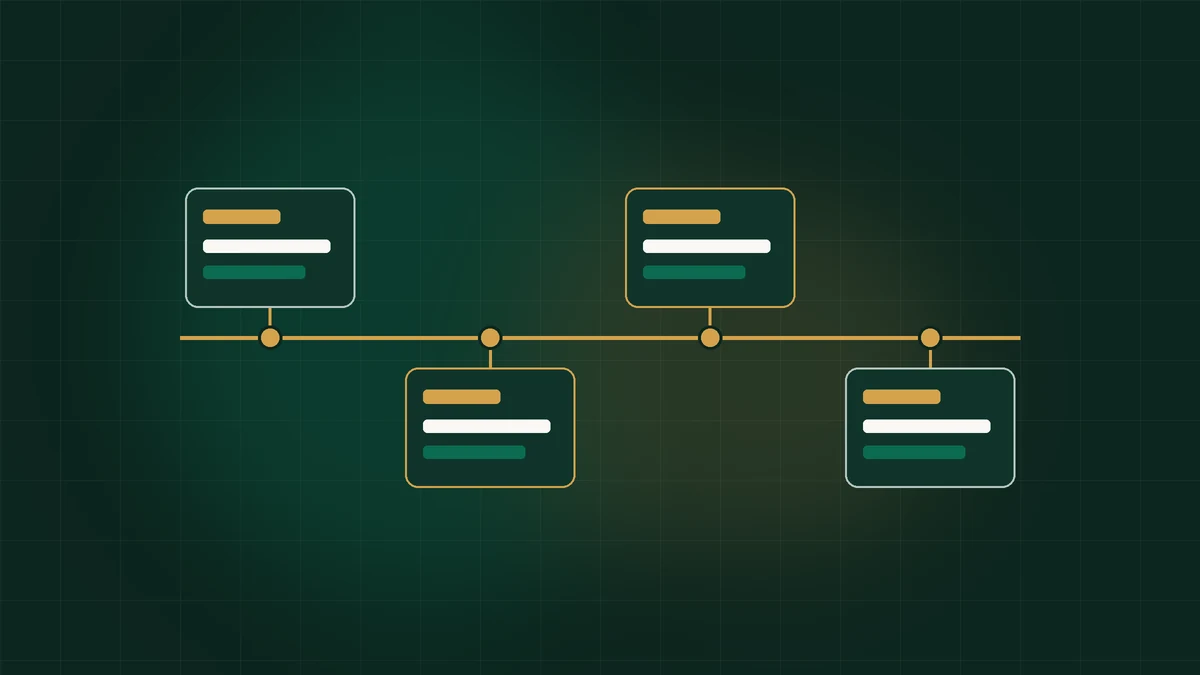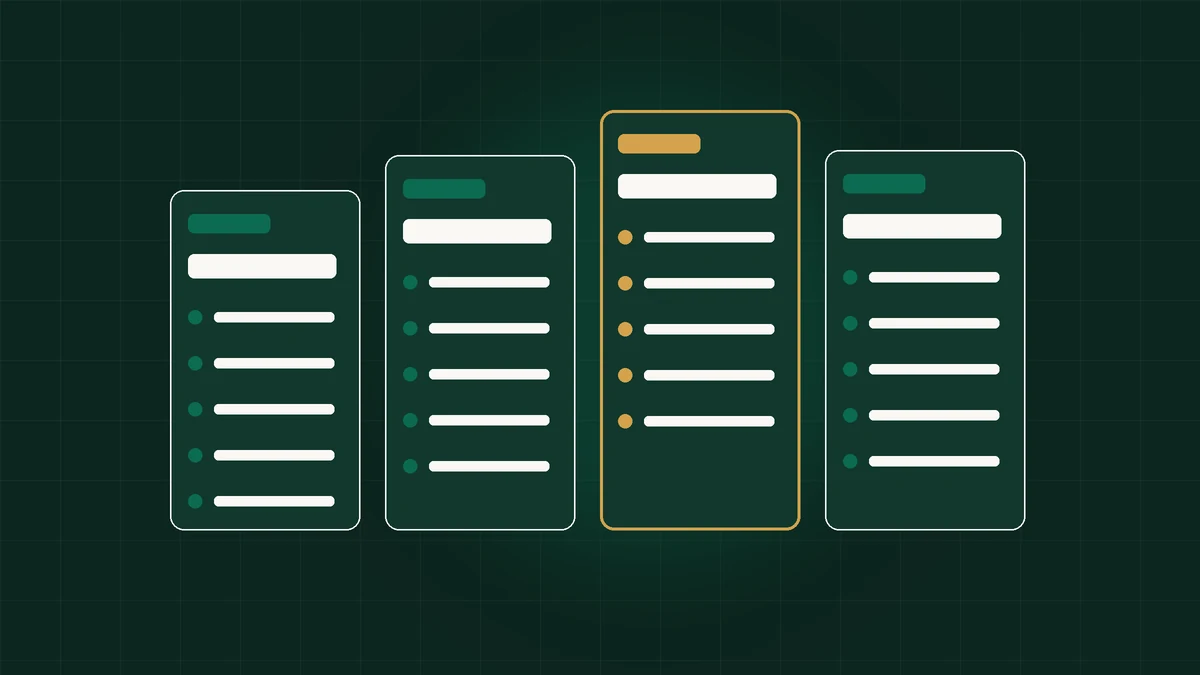
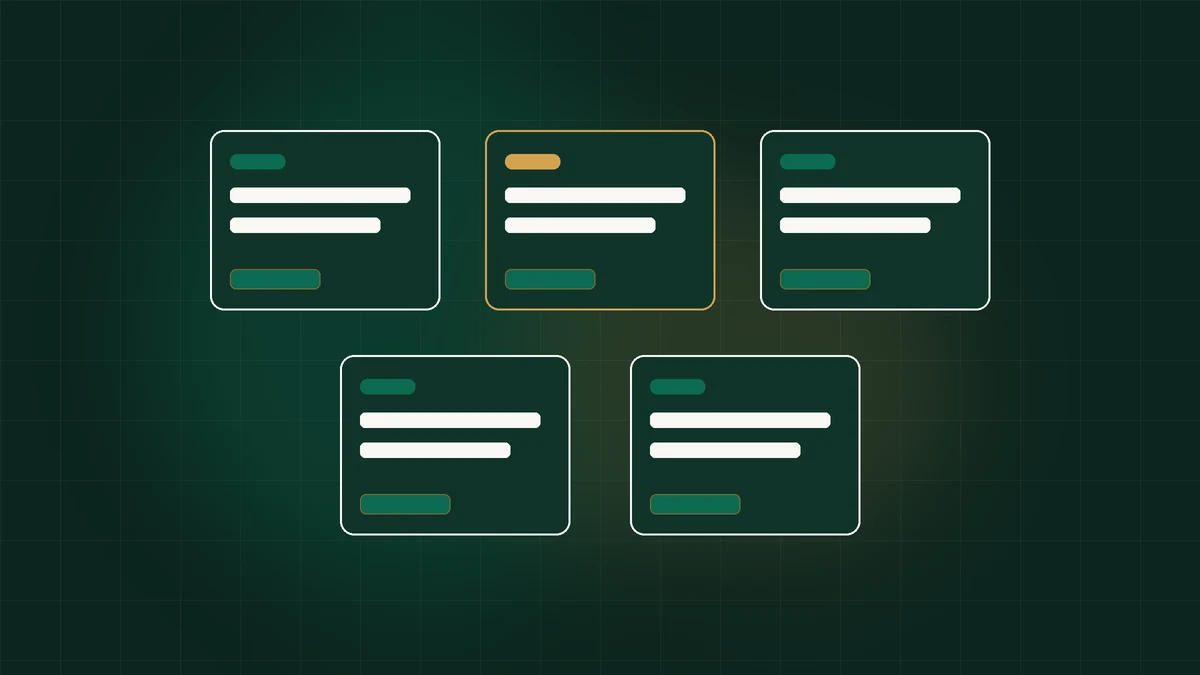
To organize dozens or hundreds of browser profiles like a pro, standardize fixed-width naming prefixes ([Channel]-[Brand]-[Geo]-[ID]), separate workflow states strictly from team ownership using non-overlapping color tags, pin Proxy Status and Last Modified columns side-by-side, save reusable Templates per client vertical, and enforce structured metadata notes per slot.
Why Visual Table Sprawl Costs Power Users Hours Every Week
Open an unorganized anti-detect workspace after ninety days of rapid testing and the same pattern greets you: eighty-four rows named `New profile`, `Facebook test 2`, `Amazon-fixed`, and `Client-old-backup`, paired with cryptic raw IP numbers (`194.88.14.221:8000`) and zero clarity on which profiles actually hold live payment cards or verified 2FA codes. Operators burn twenty to forty minutes daily opening wrong tabs, re-testing dead proxies, and messaging partners to locate working logins.
Organization inside Octo Browser is fundamentally an operational speed multiplier, not mere cosmetic tidiness. Every second shaved off searching, checking proxy uptime, cloning clean containers, or isolating paused accounts compounds across hundreds of launches per week. More importantly, unmistakable visual separation eliminates the single costliest operational mistake in multi-account marketing: accidentally launching a live production account next to a sandboxed high-risk test profile.
By transforming Octo Browser's native tagging, column customization, proxy aliasing, and Notes structure into an intentional information architecture before scaling from Starter (€29/mo) into Base (€79/mo) or Team (€169/mo), your daily workflow feels as responsive at 400 profiles as it felt at four.
- Cuts average profile lookup time from minutes of scrolling down to sub-two-second filtered clicks.
- Makes dead or expiring proxies immediately visible across large clusters via status columns.
- Prevents junior operators or VAs from launching archived, suspended, or warmup-only profiles.
- Simplifies end-of-month financial audits across retainers and affiliate campaigns.
The 5-Token Naming Convention That Makes Every Profile Self-Documenting
Great workspace names read like well-indexed database records even before opening Notes or expanding tag popovers. Avoid conversational labels like `Sarahs new TikTok acct Jan`—they destroy alphabetical sorting and push vital vertical codes past narrow table column widths. Adopt a clean 4- to 5-token uppercase-prefix naming string designed specifically for instant substring filtering.
Structure names left-to-right from broadest dimension to unique identifier: `[PLATFORM]-[CLIENT/NICHE]-[GEO]-[PROXY_TYPE]-[NUMBER]`. Examples look crisp and scannable immediately: `FB-APEX-US-ISP-001`, `AMZ-KINETIC-DE-RES-004`, `TT-UGC-UK-MOB-012`, or `QA-SAAS-JP-ISP-002`. Sorting profiles alphabetically immediately clusters every platform and brand together effortlessly.
Want to pull all German Amazon profiles across three brands simultaneously? Typing `-DE-` or `AMZ-` into Octo Browser's top search bar isolates exact targets in one keystroke. Keep sequence suffixes padded with three digits (`001` through `999`) so alphabetical sorting matches numerical progression identically once profiles exceed ten per brand.
| Platform Code | Client / Vertical | Target Geo | Proxy Tier + Seq | Final Clean Octo Name |
|---|---|---|---|---|
| FB (Meta Ads) | APEX (Ecom Brand) | US (United States) | ISP-001 | FB-APEX-US-ISP-001 |
| GADS (Google Ads) | SOLAR (LeadGen) | AU (Australia) | ISP-007 | GADS-SOLAR-AU-ISP-007 |
| AMZ (Seller Central) | NORD (Store 2) | DE (Germany) | RES-002 | AMZ-NORD-DE-RES-002 |
| TT (TikTok) | CREATOR (UGC) | UK (London) | MOB-014 | TT-CREATOR-UK-MOB-014 |
Ready to Deploy This Setup in Octo Browser?
Recommended tier: Base (€79/mo). Save up to 30% on annual billing and lock in hardware-isolated profiles in under 5 minutes.
Separating Lifecycle Status, Owner, and Compliance Risk via Orthogonal Color Tags
If naming prefixes describe *what* an account is, Octo Browser's color-coded tag pills should communicate *its current operational state and owner* orthogonally. The fastest way to ruin a tag filter is mixing random nouns (`meta`, `urgent`, `john`, `us-east`, `broken`) into one unordered tag soup. Limit tags cleanly into three strict visual color families.
Assign warm Amber/Yellow pills exclusively to preparation phases (`01-WARMUP`, `02-2FA-VERIFY`, `03-APPEAL`). Reserve crisp Emerald/Green pills strictly for verified revenue states (`LIVE-SPEND`, `SCALING`, `READY-BACKUP`). Allocate Crimson/Red strictly for cautionary stops (`DO-NOT-OPEN`, `CARD-DECLINED`, `PROXY-EXPIRED`). Finally, attach muted Slate/Blue tags strictly for staff attribution (`team-alex`, `va-maya`) matching Team RBAC folders.
Combining two tags gives operators instant command-center precision. Filtering `LIVE-SPEND` + `team-maya` presents Maya with purely her active daily containers while hiding sensitive appeals, backup warmups, and administrative test shells completely from view.
- Green Tags -> Production Live (`LIVE-SPEND`, `CLEAN-BACKUP`, `TRUSTED-BM`).
- Amber/Yellow Tags -> Transition States (`COOKIE-WARMUP`, `REVIEW-PENDING`, `ID-CHECK`).
- Red Tags -> Hard Locks (`HOLD-PROXY-DEAD`, `LOCKED-ARCHIVE`, `DO-NOT-TOUCH`).
- Blue/Neutral Tags -> Ownership (`buyer-alex`, `support-va`, `api-worker`).
Configuring Table Columns, Platform Icons, and Status Timestamps for Scan Speed
Most users never customize Octo Browser's default workspace table columns, forcing vital troubleshooting indicators offscreen behind horizontal scrolling. Customize column visibility so every high-signal health indicator remains immediately visible on a standard 1440px laptop viewport without expanding row drawers.
Keep Name (with custom platform icon enabled—Facebook blue, Google multicolor, Amazon orange, TikTok black, or wallet logos for Web3), Tags, Proxy Alias + Live IP, Notes Preview, Last Launched Timestamp, and Active Action Button ordered cleanly left-to-right. Hiding verbose fingerprint columns like Canvas/Screen Resolution from the main daily view reclaims precious horizontal real estate for proxy uptime and concise operational alerts.
Clicking Octo's multi-select checkboxes unlocks blistering batch administration across organized rows: update expired proxies in bulk, trigger headless Cookie Robot runs across twenty green-tagged standby slots simultaneously, export/assign tags in one action, or clean out paused tests in seconds instead of opening profiles individually.
- Assign visually distinct platform favicons/icons during Template creation so eyes register Facebook vs Amazon slots subconsciously.
- Pin Name, Status/Tags, Proxy Status, Notes snippet, and Last Edited timestamp visibly inside primary column width.
- Sort default workspace views by Last Edited or Status Tags so urgent billing holds surface right at the top.
Turning the Profile Notes Drawer Into a Structured Operational Ledger
Free-form paragraphs scribbled lazily into browser profile notes break down rapidly when teammates search for login emails, billing card last-four digits, or creation dates. Standardize a compact five-line key-value block copied identically into every new container's Notes tab (remembering never to drop plaintext master passwords or unencrypted bank PINs inside shared visual fields if external password managers handle secrets).
Include strictly non-secret operational identifiers: Recovery Email Alias (`ops+apex04@...`), Card Reference (`Wise **4921`), Domain / BM ID (`BM-9940212`), Proxy Provider + Renewal (`Netnut-US #28 / May 14`), and Milestone History (`Warmed Apr 2 -> Card linked Apr 5`). Viewing notes directly in the workspace table tooltip reveals full account ancestry without starting Chromium.
Equally helpful for teams scaling across Base and Team tiers: log one concise timestamped breadcrumb whenever a card swap, billing audit, or dispute appeal takes place. When a collaborator inspects why spend dropped Tuesday afternoon, that two-line chronological trail eliminates guesswork immediately.
LOGIN_EMAIL: ops+client04@yourdomain.com
BILLING_REF: Revolut Virtual **8814 (Verified)
ASSET_ID:    BM-109482710 | Store-DE-02
PROXY_META:  Static-ISP Frankfurt #19 (Renews 15th)
CHANGELOG:   [2026-04-02] Pixelscan green | [2026-04-05] Spend live
Maintaining Multi-Vertical Template Libraries to Eliminate Setup Drift
Organization starts at birth. Rather than hand-crafting settings per profile, organize a tight library of 3 to 5 Golden Master Templates inside Octo's Templates section tailored strictly to your commercial verticals: `T1-MEDIA-US-WIN11`, `T2-ECOM-EU-MACOS`, `T3-WEB3-WALLET-CLEAN`, and `T4-API-HEADLESS`.
Embed starter bookmark folders inside each Template right out of the gate: diagnostic shortcuts (Pixelscan, IPQualityScore), target ad network homepages, and localized search engines matching target markets. When onboarding ten fresh ad accounts Monday morning, cloning from `T1-MEDIA-US-WIN11` stamps pre-approved hardware entropy, bookmarks, extensions, and tag presets uniformly across all ten containers in under thirty seconds.
Keep templates strictly pruned too. Any time Octo ships an important Octium Chromium core update, clone a fresh baseline test container from your template, verify zero hardware regressions on CreepJS, and bump the template core version number cleanly across future mints.
Always maintain 5 to 10 pre-minted profiles resting comfortably in `02-READY-BACKUP` tags with clean Pixelscan checks and completed Cookie Robot warmups. You will never rush an un-warmed emergency account into live ad spend again.
Synchronizing Proxy Aliases with Profile IDs to Prevent Cross-Contamination
An impeccably organized profile list still falls apart if your Proxy Manager tab houses fifty identical anonymous lines labeled `104.22.91.11:8080`. Mirror your profile taxonomy cleanly inside Proxy Manager by attaching human-readable aliases pairing provider, city, ASN class, and profile match: e.g., `ISP-MIA-BRIGHT-001 -> FB-APEX-US-001`.
When proxy vendors notify your billing inbox that Static Allocation #001 expires in forty-eight hours, locating both the proxy line item and its paired account container happens instantly. Even better: mark shared mobile rotating gateways explicitly (`MOB-4G-ROTATE-UK-A`) so no operator accidentally leaves a delicate static payment profile riding atop a dynamically hopping cellular IP.
Cross-reference our dedicated guides on Choosing Proxies for Octo Browser and Enterprise Profile SOPs whenever onboarding new IP subnets onto live revenue containers.
- Tag proxies cleanly by ASN tier (Static ISP, Mobile 4G/5G, Clean Residential) inside Octo Proxy Manager.
- Never delete an expired proxy until verifying whether an active profile still relies on its port mapping.
- Trigger bulk `Check Proxy` diagnostics every Monday morning prior to active media shifts.
Delegating Clean Workspaces Across Multi-Seat Teams Without Losing Control
When solo power users cross fifty to one hundred active slots on Base (€79/mo) and hire junior buyers or virtual assistants on Team (€169/mo, 350 profiles + 3 seats) or Advanced (€329/mo), disciplined organization pays off tenfold. Rather than writing messy twenty-page onboarding documents trying to warn juniors which profiles not to touch, enforce safety directly via Octo's tag-based RBAC permissions.
Grant VA Seat #1 view/launch permissions strictly covering the `va-fulfillment` tag, preventing them from ever seeing `HOLD` slots, master billing accounts, or raw proxy lists. Route automated Playwright workers exclusively onto `api-worker` tagged containers over Octo's 50–200 RPM Local REST API so automated batch crawlers never collide with open human mouse sessions.
Take thirty minutes this afternoon to refactor sloppy legacy labels, establish your 5-token prefixes and 4-color lifecycle tags, and upgrade cleanly whenever profile density warrants—explore full subscription tiers directly via Octo Browser official signup, test pricing curves on our Plan & ROI Estimator, or automate bulk organization via our Browser Automation Guide.
- Audit existing slots today and archive/delete dormant dead profiles reclaiming paid slot quota.
- Apply 5-token `[PLATFORM]-[BRAND]-[GEO]-[PROXY]-[SEQ]` naming across active revenue rows.
- Standardize Green (Live), Yellow (Warmup/Pending), Red (Locked), and Blue (Owner) tags.
- Lock sensitive billing containers with per-profile AES passwords before adding team seats on Team/Advanced.
Designing Golden Master Templates for 10-Second Repeatable Profile Creation
Manual point-and-click setup fails catastrophically once teams spin up dozens of regional client compartments weekly. Clicking wrong hardware toggles, forgetting an ad-compliance bookmark folder, or shipping a profile without your approved timezone preset introduces subtle structural bugs that only surface weeks later under platform scrutiny. Golden Master Templates eliminate human setup variance completely by codifying your engineering baseline once.
Build three lean master templates segregated strictly by client platform architecture (`MASTER-META-US-ISP`, `MASTER-ETSY-EU-STATIC`, `MASTER-WEB3-SANDBOX`). Inside each template, lock down target Chromium engine defaults matching host OS, configure starting homepage tabs cleanly, pre-load approved safe extensions (such as read-only password helpers or pixel diagnostics), and standardize concise custom start pages. Every time an operator clicks Create From Template, Octo stamps out fresh, clean hardware parameters aligned precisely with your vetted architecture in under two seconds.
Pair Golden Templates with strict tag inheritance rules: newly generated containers immediately carry `YELLOW-WARMUP` tags so junior operators recognize at a single glance that automatic Cookie Robot seasoning has not completed yet—blocking premature ad spend or store logins cleanly.
- Audit Golden Templates once every major Octium browser core release so WebGL and Chrome version traits match real market distributions.
- Never include live logged-in cookies inside a cloning template—keep master templates purely structural so sessions stay 100% distinct.
- Maintain separate Windows and macOS template variants matching the exact physical machines your remote buyers operate daily.
Quarterly Workspace Audits: Reclaiming Dead Slot Quotas Without Corrupting Cold Vaults
High-velocity performance teams create dozens of seasonal test campaigns, paused affiliate angles, and concluded client retainers each quarter. Leaving stale, inactive containers scattered indiscriminately across your primary workspace clutters search queries, exhausts paid Base (€79/mo, 100 profiles) or Team (€169/mo, 350 profiles) slot headroom unnecessarily, and tempts impatient staff into carelessly recycling dirty old slots for unrelated offers.
Schedule a crisp thirty-minute workspace prune on the final Friday of every quarter. Filter strictly by `Last Launched older than 45 days` combined with `RED-ARCHIVED` tags. Export verified recovery metadata, backup key cookie archives offline solely for high-value legal retainers you genuinely intend to reopen next year, and permanently delete burned testing containers alongside their expired datacenter/residential proxies so fresh capacity opens cleanly.
Remember the cardinal slot rule: deleting a banned test slot to reclaim paid capacity is healthy cleanup; wiping cookies inside a previously banned slot and keeping that contaminated slot ID + proxy alive to launch a fresh store guarantees self-inflicted shadowbans. Fresh ventures always earn pristine freshly spawned Octo slots via Octo Browser official workspace management.
Combine 5-token naming conventions, Golden Master Templates, and quarterly dead-slot cleanup across Base (€79/mo) or Team (€169/mo) via Octo Browser official signup so 100% of paid slots deliver active clean ROI.
Using Local API Scripts & Deterministic Tag Taxonomy for Instant Team Onboarding
When scaling past two hundred accounts on Octo Team (€169/mo, 350 profiles) or Advanced (€329/mo, 1,200+ profiles), even cloning from Golden Templates manually becomes slow when launching thirty-account localization matrices or onboarding brand agency squads. Pairing strict 5-token naming conventions directly with Octo's Local API allows operations teams to provision twenty consistent, correctly tagged, proxy-bound slots automatically inside seconds from clean CSV spreadsheets.
Maintain one canonical column mapping inside your deployment manifest (`profileTitle`, `tagPod`, `proxyHost`, `warmupStatus`) so newly minted workers land cleanly inside `YELLOW-WARMUP`, execute automated 48-hour Cookie Robot batches overnight, and surface verified on morning standup filters ready for active campaign deployment cleanly with zero clerical typos—enabling repeatable agency scaling without operational chaos, lost password sheets, or misrouted regional residential proxy allocations.
- Maintain clean spreadsheet manifests validating unique static ISP ports before minting batch profiles via Local API.
- Inherit Golden Master OS and hardware defaults identically across scripted creations without manual parameter edits.
- Promote batches from `YELLOW-WARMUP` to `GREEN-LIVE` solely after automated proxy checks and Pixelscan audits pass cleanly.
- Run weekly API tag reconciliation jobs to confirm active proxy labels remain 100% aligned with container titles.
Frequently Asked Questions
How many tags can an operator attach to a single Octo Browser profile?
Octo supports attaching multiple color-coded tags per profile, enabling combinations like `LIVE-SPEND` (status) alongside `buyer-elena` (owner) and `US-East` (market) for instant multi-filter queries.
Can I search notes and proxy hosts directly from Octo's search bar?
Yes. Octo Browser's top search bar and filter controls let you locate containers rapidly by profile name, assigned tags, status pills, or linked proxy details.
What happens to profile order if I exceed 100 profiles on Base or 350 on Team?
Padded numeric naming suffixes (`001`–`350`) combined with rigid tag filtering keep views crisp regardless of volume, and Advanced supports up to 1,200 base profiles (expandable to 100,000) seamlessly.
Is there a bulk action tool inside Octo Browser to update dozens of profiles at once?
Yes. Selecting multiple rows via checkboxes activates bulk controls for mass tag edits, proxy assignments, Cookie Robot warmup launches, profile sharing, and deletion.
Should passwords be typed inside Octo Browser profile notes?
Avoid storing raw master banking PINs or critical corporate secrets in plaintext profile notes. Store operational metadata (billing ref, renewal dates, email alias) in notes and keep critical secrets inside encrypted enterprise password managers or Chromium's protected profile state.
How do RBAC permissions interact with tags on Team and Advanced plans?
Admins can scope invited team members strictly to specific profile tags—ensuring assistants only see assigned campaign profiles and cannot open, modify, or export unrelated client groups.
Get Started with Base (€79/mo)
Transparent pricing starting at €10/mo (Lite), €29/mo (Starter), €79/mo (Base + API), and €169/mo (Team). Cut costs 30% on 12-month billing.